
Sign Up for FOMO26
1
Register for the challenge on Synapse (required!)
This must be done as the first step.
- Go to the FOMO26 Synapse page and sign up: FOMO26 on Synapse.
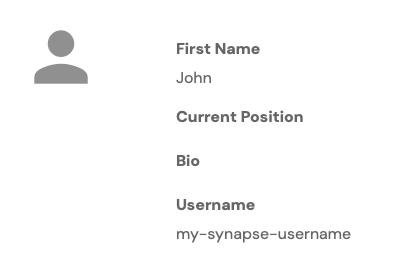
To find your Synapse username click "Your Account" then "View Profile" in the bottom-left of the Synapse UI. For example, the username for the following individual would be "my-synapse-username":
Participation requires a team on Synapse. Please enter your team name. If you have not yet created a team, create one on Synapse before continuing.
2
Fill out the following form
3
Wait for Email
We will verify your information and send you instructions on how to access data. We strive to do this within 24 hours during weekdays CET, but please note that it can take up to 72 hours.